A data center can have the best firewalls in the world and still be at risk if someone can walk up to a server and plug something in, unplug something, or simply take a drive. Physical security is the part of data center protection that people often notice last, but it is the foundation everything else depends on.
The idea: layers, not one big lock
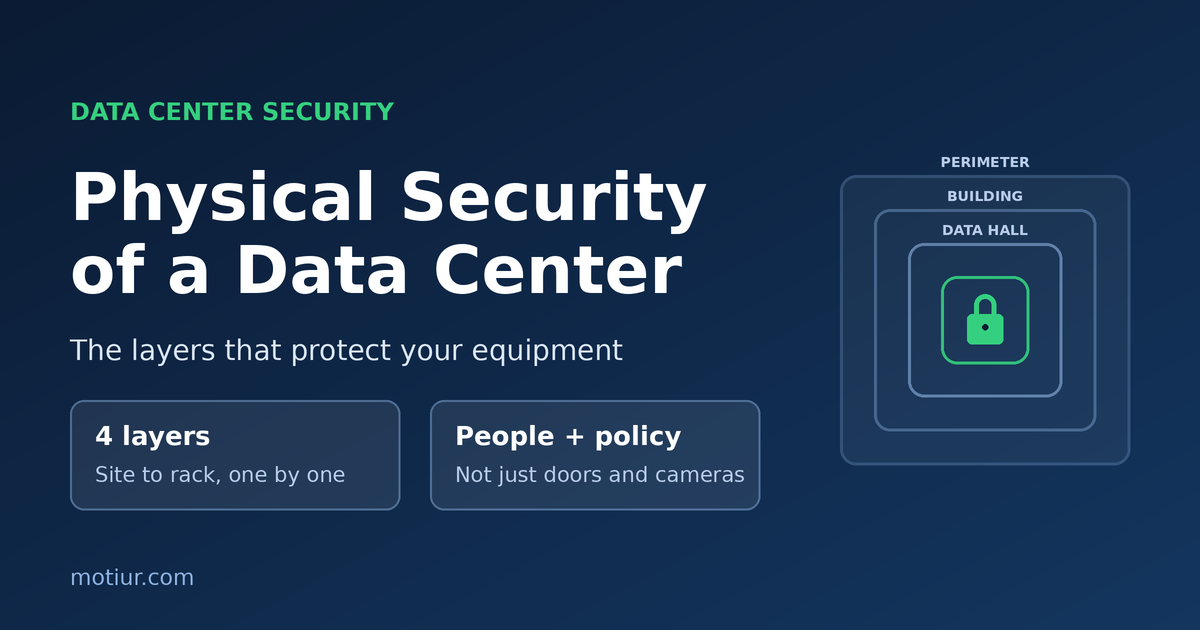
Good physical security works like an onion. There is no single door that protects everything. Instead, a person passes through several layers, and each layer checks them again and slows down anyone who should not be there. If one layer fails, the next one is still in place.
Layer 1: The site and perimeter
Security starts before anyone reaches the building.
- Site selection: avoid flood zones, flight paths, and neighbors that create risk. A low-profile building with no signs advertising what is inside is better than an obvious one.
- Fencing and barriers: a fence, bollards, or landscaping to keep vehicles at a safe distance from the walls.
- Lighting and CCTV: the whole perimeter should be lit and covered by cameras with no blind spots.
- Controlled entry point: one guarded gate for vehicles, with a clear process for deliveries.
Layer 2: The building
- Reception and guards: every visitor is identified and logged before going further.
- Visitor management: pre-approved visits, photo ID, a visitor badge, and an escort at all times.
- Strong construction: few external doors, no ground-floor windows near the data hall, and doors that are alarmed and monitored.
- Loading dock: kept separate from the data hall, so equipment can be received and checked without anyone entering the secure area.
Layer 3: The data hall
This is where the main control happens.
- Mantrap (airlock) entry: two interlocked doors, so only one opens at a time. It prevents tailgating, where an unauthorized person follows an authorized one through the door.
- Multi-factor access: for example a card plus a PIN or biometric. A card alone can be lost or shared.
- Role-based access: people can enter only the rooms they need. A network engineer does not need access to the generator room.
- Anti-passback: a badge cannot be used to enter twice without exiting, which stops badge sharing.
- Camera coverage: on every entrance and aisle, with recordings kept for the period required by your policy and local regulations.
Layer 4: The rack
The last layer is the cabinet itself, and it matters most in shared or colocation rooms.
- Lockable cabinets with individual keys or electronic locks that record every opening.
- Cable and port control: unused switch ports disabled and cables labelled, so a changed connection is easy to notice.
- Asset tracking: a list of every device in every rack, checked regularly against what is actually there.
Policies matter as much as hardware
Doors and cameras only work if people follow the rules around them.
- Review access regularly. Remove access for people who have left or changed roles, and check the list at set intervals.
- No tailgating. Make it a normal part of the culture to challenge, politely, anyone without a badge.
- Control what comes in and out. Log equipment, storage media, and tools. Destroy old drives properly and keep a record.
- Escort contractors. Cleaners, electricians, and vendors need supervision and a defined work scope.
- Test it. Run drills and audits, and treat every failed test as useful information.
Link physical security with the other systems
Physical security should not work alone. It connects with:
- Fire detection and suppression: doors must fail safe so people can always get out, and the design must meet local fire codes.
- Environmental monitoring: a door left open, or a sudden temperature change, is an alert worth investigating.
- The monitoring room: alarms, access logs, and camera feeds should come together in one place that is staffed or monitored all the time.
How I approach it
- Start with a risk assessment: what are you protecting, and from whom? A small server room and a large colocation facility need different levels of control.
- Fix the basics first: managed access, working cameras, and visitor control give more benefit than expensive extras.
- Keep records: if something goes wrong, access logs and video are what let you find out what happened.
Cyber security protects your data from the network. Physical security protects it from the hallway.
If you are building a new data center or want to review the security of an existing one, a walk-through audit is a good first step. It usually finds gaps in procedures before it finds gaps in equipment.