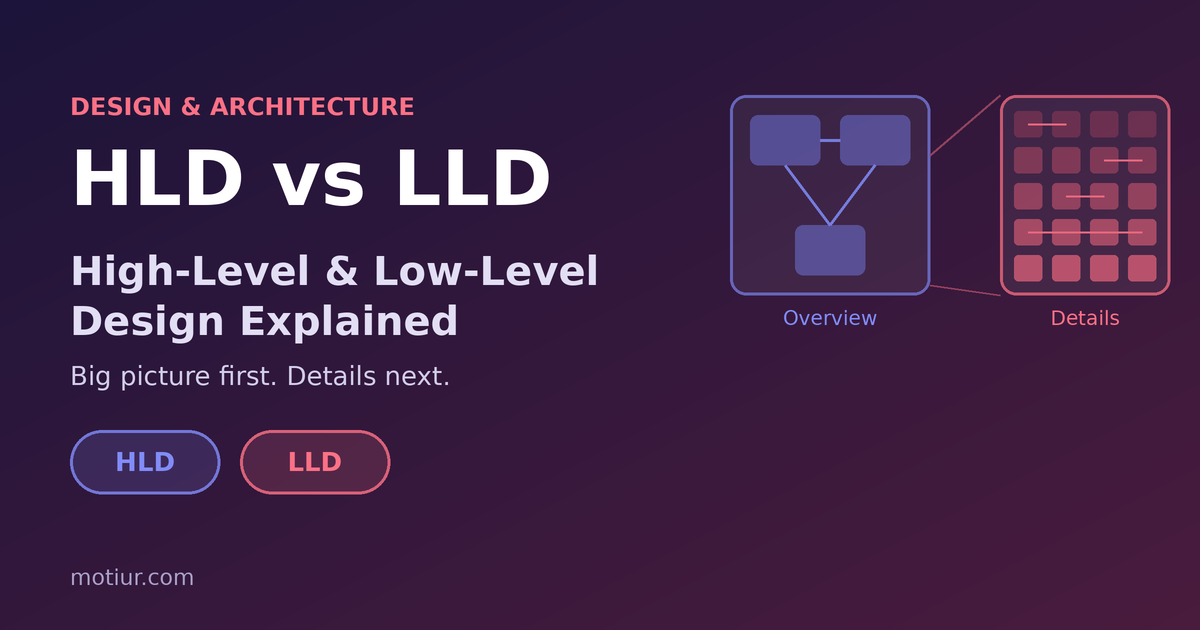
Every successful project starts with a plan, but not every plan has the same level of detail. If you work in IT, networking, data centers, software, or construction, you will hear two terms again and again: HLD and LLD. They sound similar, but they have different jobs. Understanding the difference helps you plan better, communicate better, and avoid expensive mistakes.
What is High-Level Design (HLD)?
High-Level Design is the big picture of a project. It explains what will be built and how the main parts fit together, without going into small technical details.
Think of it as the map of a city. You can see the main roads, districts, and landmarks, but not the number on every house.
What an HLD usually contains
- Project goals and business requirements
- Scope, assumptions, and constraints
- Overall architecture and main components
- How the components connect and interact
- Technology and vendor choices at a general level
- Non-functional requirements: capacity, availability, security, scalability, and performance
- Diagrams such as block diagrams and system overviews
- Risks and dependencies
What is Low-Level Design (LLD)?
Low-Level Design is the detailed plan that explains exactly how each part will be built, configured, and connected. It takes the decisions made in the HLD and turns them into instructions that engineers can follow.
In the city example, the LLD is the detailed street plan: every address, pipe, cable, and junction.
What an LLD usually contains
- Detailed specifications for every component
- Exact configurations, settings, and parameters
- Detailed drawings, schematics, and layouts
- Calculations and sizing
- Interfaces, data formats, and naming rules
- Step-by-step build and installation details
- Test cases and acceptance criteria
HLD vs LLD at a glance
HLD LLD Question it answers What are we building and how do the parts fit? Exactly how is each part built and set up? Level of detail Overview Detailed and specific Main audience Management, clients, architects, project managers Engineers, developers, installers, testers Created First, after requirements are clear After the HLD is reviewed and approved Typical output Architecture and block diagrams Detailed drawings, configurations, and specifications Changes Less frequent More frequent as details are refinedExamples in different projects
Software project: an online shop
- HLD: the system has a web front end, an application server, a database, a payment gateway, and an email service. It shows how they connect and how the system handles growth.
- LLD: the database tables and fields, the API endpoints and their formats, the classes and functions, error handling, and the test cases.
Data center project
- HLD: the target availability level, the number of rooms and racks, the power and cooling approach (for example, redundant power paths and N+1 cooling), the network layout, and the security zones.
- LLD: the single-line diagrams with cable and breaker sizes, rack elevation drawings, cooling unit positions and pipe routes, cable schedules, port maps, the IP and VLAN plan, and equipment settings.
Network project
- HLD: the topology (core, distribution, and access), the WAN and internet links, the security design, and the main protocols.
- LLD: device models and configurations, interface descriptions, routing and VLAN details, addressing, and firewall rules.
Building project
- HLD: the concept, the layout of floors and zones, and the main systems.
- LLD: construction drawings, material specifications, and installation details.
How HLD and LLD work together
- Collect requirements: understand what the client or business really needs.
- Create the HLD: decide the overall approach and architecture.
- Review and approve the HLD: the client and key stakeholders agree before detailed work starts.
- Create the LLD: expand each part into detailed, buildable instructions.
- Review the LLD: check it against the HLD to make sure nothing was missed or changed by accident.
- Build and test: follow the LLD, and test against the requirements from the HLD.
- Update the documents: record any changes so the final documents match what was actually built.
Common mistakes
- Skipping the HLD: jumping straight into details often leads to rework when the overall approach turns out to be wrong.
- Mixing the two: an HLD full of technical details is hard to read, and an LLD without context is hard to follow.
- No approval step: detailed work built on an unapproved HLD can be wasted.
- Documents that do not match: the LLD should never contradict the HLD. If it must change, update both.
- Forgetting to update: the final documents should reflect the "as-built" result, not only the original plan.
Tips for writing good HLD and LLD documents
- Write for the reader. Keep the HLD simple enough for a non-technical decision maker.
- Use clear diagrams, and label everything.
- Link each LLD item back to a requirement in the HLD.
- Use version numbers and keep a change log.
- Have someone who did not write the document review it.
HLD tells you where you are going and which roads to take. LLD tells you every turn along the way.
The names and the exact structure of these documents differ between companies and industries, so some teams use extra documents in between or combine them in small projects. The idea stays the same: first agree on the big picture, then define the details. If you are preparing a design for a data center or IT infrastructure project and would like a second opinion, feel free to get in touch.